How to Choose SaaS Software: A 10-Point Checklist
To choose SaaS software as a small team, price it for your real headcount over 12 months, test it on real work during a trial, and confirm you can export your data, sign a data processing agreement and leave without penalty. The ten checks below cover what most teams miss.
Mustafa Gezer · · 9 min read
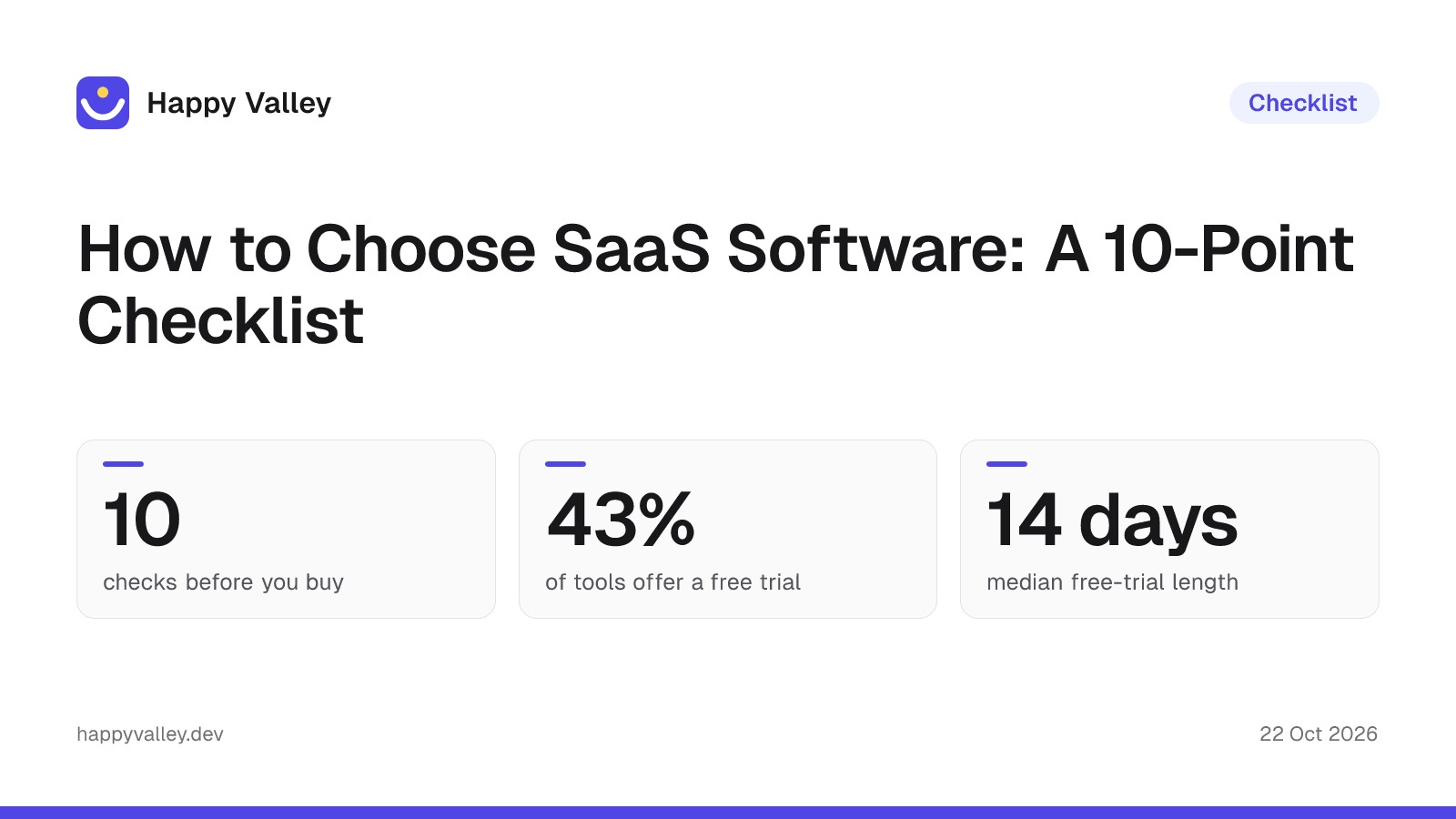
Scope: the figures in this article cover the 738 tools our editors researched and price-checked as of 22 October 2026. The live directory also lists a few maker-submitted products whose prices our editors have not checked yet (5 on this date), so site-wide counts such as the 743 on the Pricing Index are slightly higher.
Most bad SaaS purchases are not bad products. They are good products bought on the wrong plan, for the wrong growth path, or with an exit nobody checked. This checklist is written for teams of roughly 2 to 50 people who buy software with a card, not through a procurement department. Each point tells you what to check and where on this site to check it.
The checklist at a glance
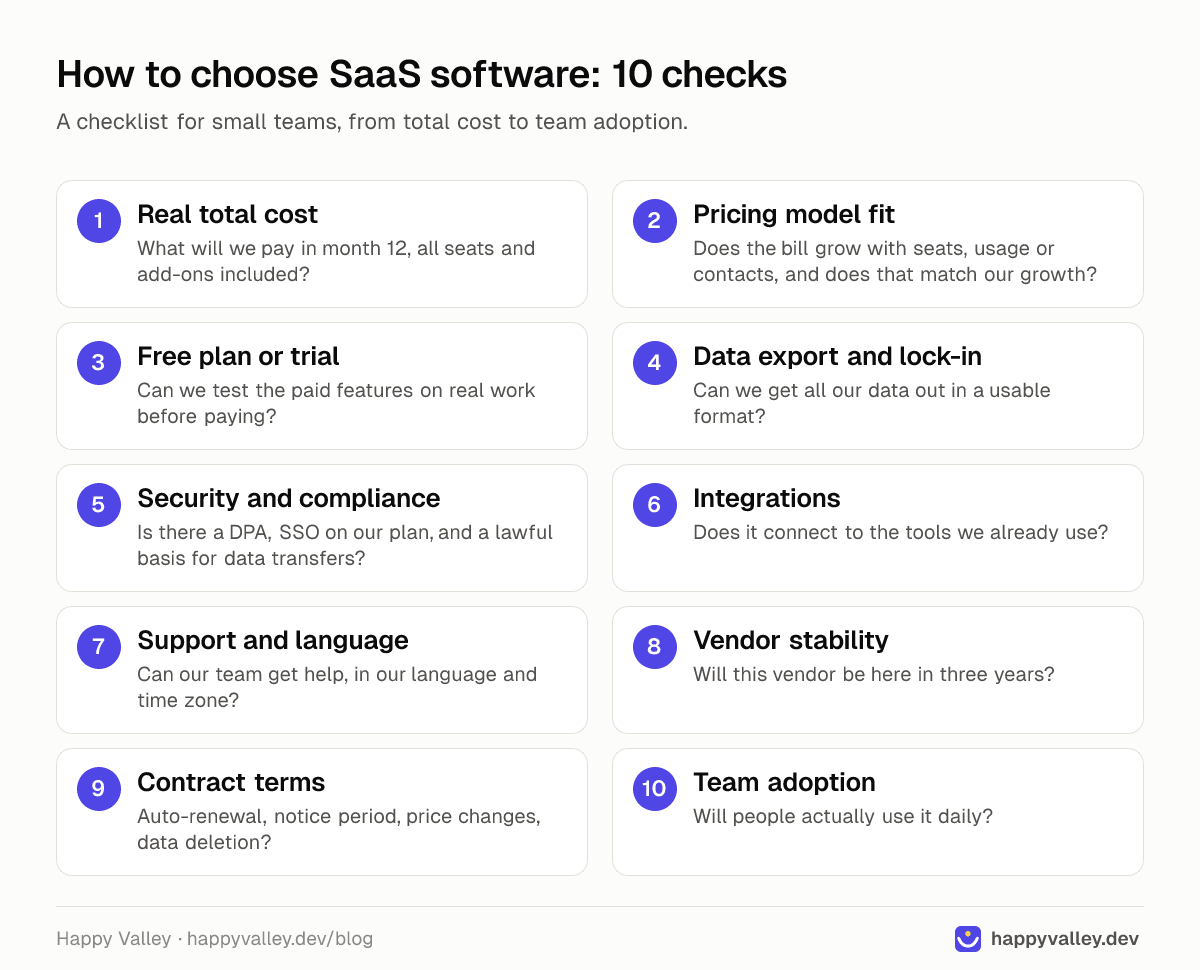
| # | Check | The question to answer | Where to look |
|---|---|---|---|
| 1 | Real total cost | What will we pay in month 12, all seats and add-ons included? | Tool pricing tables, Pricing Index report |
| 2 | Pricing model fit | Does the bill grow with seats, usage or contacts, and does that match our growth? | Tool pricing tables, compare pages |
| 3 | Free plan or trial | Can we test the paid features on real work before paying? | Category pages, tool pages |
| 4 | Data export and lock-in | Can we get all our data out in a usable format? | Alternatives pages, tool pages |
| 5 | Security and compliance | Is there a DPA, SSO on our plan, and a lawful basis for data transfers? | Security category, vendor legal pages |
| 6 | Integrations | Does it connect to the tools we already use? | Tool pages, compare pages |
| 7 | Support and language | Can our team get help, in our language and time zone? | Country pages, tool pages |
| 8 | Vendor stability | Will this vendor be here in three years? | Tool pages (founded year, status) |
| 9 | Contract terms | Auto-renewal, notice period, price changes, data deletion? | Vendor terms |
| 10 | Team adoption | Will people actually use it daily? | Compare pages, trial results |
1-3: Cost, pricing model and testing
1. Calculate the real total cost, not the headline price
The starting price on a pricing page is rarely what you pay. In our catalog of 738 active tools, 532 list a public starting price, and the median is $20 a month (the middle half sits between $12 and $45). That number hides three multipliers: seats, billing period and the plan that actually contains the feature you need.
Example: Slack's pricing lists Pro at $8.75 per user per month, or $7.25 billed annually. For 10 people that is $1,050 a year on monthly billing or $870 on annual billing. If you need SAML SSO, Slack lists it on Business+ at $18 per user per month ($15 billed annually), which makes the same team $2,160 a year on monthly billing. On Pipedrive, five seats on the Growth plan at $39 per seat (billed annually) cost $2,340 a year. Write the month-12 number down before you compare tools, and use the SaaS Pricing Index to see whether a price is normal for its category. Our 2026 SaaS pricing analysis shows how starting prices differ across categories.
2. Check that the pricing model fits how you grow
By an approximate keyword count of plan descriptions, about half of the tools we track price per user, and roughly a third use a usage measure such as tasks, contacts or executions. Per-seat pricing punishes hiring; usage pricing punishes success. Neither is wrong, but you should know which curve you are on. Our explainer on per-seat vs usage pricing walks through the math.
Automation is a clear case: Zapier Professional is $29.99 a month for 750 tasks, so a busy workflow can push you to a higher tier fast. The Make vs Zapier comparison shows how two vendors meter the same job differently. Email marketing scales with contacts: Mailchimp is free up to 250 contacts, then priced by audience size and sends.
3. Test on a free plan or trial with real work
In our catalog, 373 tools have a free or freemium plan, and 318 (43.1%) advertise a free trial, with a median length of 14 days. A free plan is good for checking the interface; a trial is where you test the paid features you will actually buy. Our look at what free plans really include lists the limits that bite most often, such as Slack's 90-day message history on the free plan.
Pick two or three finalists from a category page such as project management, run the same real project in each, and use a head-to-head page like Asana vs Trello to check the differences you did not get to test.
4-5: Data and security
4. Confirm you can export your data and leave
Before you put a year of work into a tool, export a sample. Check that you get files, comments and history, not just a CSV of titles. Then look at what you would move to: the Notion alternatives page is a quick way to see whether there is a realistic destination and how its pricing compares.
Regulation is moving in your favor. The EU Data Act has applied since 12 September 2025. It requires SaaS providers to export customer data in a commonly used, machine-readable format when a customer switches, and it is set to remove switching charges, including data egress fees, entirely from 12 January 2027; until then providers may still charge for switching costs, according to the European Commission's Data Act explainer. If lock-in is a hard requirement, open-source or self-hostable options such as n8n for automation or Matomo for analytics let you keep the data on your own server; 47 tools in our catalog are open source.
5. Check security and data protection (GDPR, KVKK)
If the tool will hold personal data about customers or staff, the vendor is usually your data processor. Under GDPR, that relationship needs a written contract (or other legal act) that, among other things, sets conditions for engaging sub-processors and requires the vendor to delete or return the data, at your choice, at the end of the service (GDPR Article 28, EUR-Lex). Most vendors publish this as a data processing agreement (DPA); find it before you sign up.
For teams in Turkey, KVKK (Law No. 6698) applies. Since the 2024 amendment (Law No. 7499), Article 9 allows transfers abroad when there is a lawful processing condition under Articles 5 or 6 and either an adequacy decision or an appropriate safeguard, such as a standard contract announced by the KVKK Board; only when neither is available does it allow a short list of exceptions, and then only for incidental transfers. A standard contract must be notified to the KVKK Authority by the controller or processor within five business days of signing (Law No. 6698, mevzuat.gov.tr; KVKK announcement). Article 12 also makes you jointly responsible with the vendor for security measures when it processes personal data on your behalf. Since many SaaS vendors host data outside Turkey, ask where the data is stored and which transfer mechanism applies.
Finally, check which plan includes SSO, audit logs and admin controls; they often sit one tier above where small teams start. The security and identity category covers password managers and SSO tools if you need to fill the gap yourself.
This section is a practical summary, not legal advice. For contracts involving sensitive or large volumes of personal data, ask a lawyer.
6-7: Fit with your stack and your people
6. Map the integrations you actually need
List the three to five tools the new one must talk to (email, calendar, accounting, chat) and confirm each connection exists natively. Every tool page here lists its integrations, and compare pages such as HubSpot vs Pipedrive put them side by side. If a native integration is missing, budget for a connector from the workflow automation category and count its cost in check 1.
7. Check support, language and local fit
Ask what support your plan includes (email only, chat, a named contact) and in which hours. For Turkish teams, local requirements can decide the shortlist: an accounting tool such as Paraşüt handles e-invoicing for Turkish SMBs, which a global tool may not. Browse SaaS built in Turkey for the 61 tools in our catalog from Turkish companies, and read our Turkey SaaS report for the wider picture.
8-9: Vendor and contract
8. Judge vendor stability
Tools do shut down. Our catalog keeps pages for them: Height, a project management tool, closed in September 2025, and its page now points to replacements. Of the 640 active tools with a known founding year, 331 were founded in 2015 or earlier and 158 in 2020 or later. A young vendor is not a red flag, but pair it with check 4: if the company disappears, can you leave in a week?
9. Read the contract terms before the card form
- Billing period: annual plans save money (Notion lists Plus at $12 per member monthly or $10 billed yearly) but lock in your seat count.
- Auto-renewal and notice: note the renewal date and how many days before it you must cancel.
- Price changes: check whether the vendor can raise prices mid-term and how much notice it gives.
- Seat reduction: some plans let you add seats any time but remove them only at renewal.
- Data after cancellation: how long the vendor keeps your data and when it deletes it.
If you want to start with the Notion pricing table or any other tool, the plan notes show which prices assume annual billing.
10. Plan for team adoption
The best tool on paper fails if half the team keeps working in email. During the trial, give a few daily users real tasks and ask one question at the end: would you keep using this? Adoption usually follows what people already know, which is why pages like Microsoft Teams vs Slack or ClickUp vs Notion are useful: they show how much the interfaces and habits differ before you ask anyone to switch.
A one-week evaluation plan
- Day 1: write the must-have list and the month-12 budget.
- Day 2: shortlist three tools from a category page and check their pricing tables.
- Day 3: read the DPA, data location and export options for each.
- Days 4-6: run the same real task in each trial with two or three users.
- Day 7: compare total cost, adoption feedback and exit options, then decide.
The short version
Price the tool for month 12, not month 1. Test it on real work. Make sure you can leave with your data and that the paperwork (DPA, transfer basis under GDPR or KVKK, renewal terms) is in order before you commit. The rest is fit: integrations, support and whether your team will use it.
Frequently asked questions
What is the most important factor when choosing SaaS?
Total cost at your real team size over 12 months, together with the ability to export your data. A cheap tool you cannot leave becomes expensive.
How long should a SaaS trial be?
In our catalog the median free trial is 14 days. That is enough if you run one real task end to end with a few users instead of exploring features.
Do I need a DPA with a SaaS vendor?
If the vendor processes personal data on your behalf and GDPR applies, Article 28 requires a written processor contract, which vendors usually provide as a DPA. Under KVKK, Article 12 makes you jointly responsible with the vendor for security measures, so it is sensible to set them out in the contract.
Does KVKK allow using SaaS hosted outside Turkey?
It can, if the transfer meets Article 9 of Law No. 6698: besides a lawful processing condition, it generally needs an adequacy decision or an appropriate safeguard such as a standard contract, which must be notified to the KVKK Authority within five business days of signing. Check the details with a lawyer for your case.